
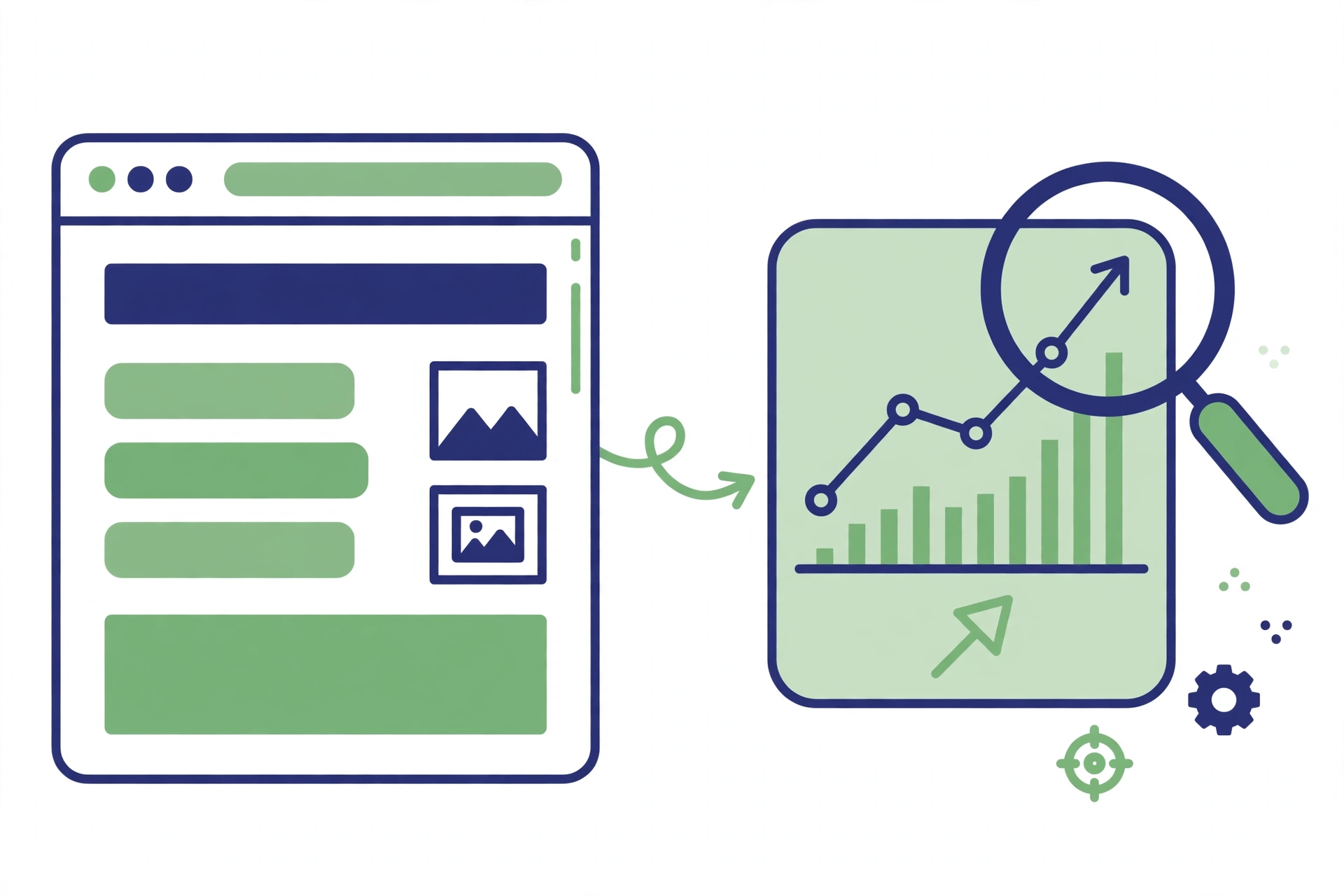
Most people treat website design and SEO as two separate jobs: designers make the site look good, and SEO specialists make it rank. In practice they are the same job. Every design choice — the layout, the fonts, the images, the navigation — changes how search engines see the page and how visitors behave on it. A beautiful site that loads slowly and confuses visitors will not rank well, and a fast site that looks untrustworthy will not convert the traffic it gets.
This guide explains how design choices affect rankings, so you can make decisions that help both.
Design Shapes How Visitors Behave
Search engines watch what visitors do. If people land on a page and leave within seconds, that is a signal the page did not meet their needs. If they stay, scroll and click through to other pages, that is a signal it did. Design is the biggest influence on those behaviours.
A clear layout helps first. Visitors should understand what the page is about within a few seconds: a headline that states the topic, a short introduction, and a visible next step. When a page opens with a full-screen image, a pop-up and a slider all competing for attention, visitors have to work to find the content — and most will not bother. If you are unsure what good looks like, start with our guide on what SEO is to see how search fits into the whole picture.
Navigation matters just as much. Menus should be short, honest and predictable: the pages people actually want, labelled in plain words. A menu with fifteen items, or with clever labels nobody understands, sends visitors in circles. The same goes for internal links inside the content — they should lead somewhere useful, not just somewhere else.
Mobile Design Is No Longer Optional
Google now judges most sites mainly by their mobile version. That means the design choices you make for a phone screen matter more than the ones you make for a desktop.
A mobile-first design is not a shrunken desktop design. Text must be readable without zooming, buttons must be big enough to tap with a thumb, and nothing important should sit off the edge of the screen. Forms are a common failure point: a contact form with eight fields feels reasonable on a laptop and exhausting on a phone. Ask for the minimum first.
Test the design on a real phone, not just by dragging your browser window narrower. Open the site on the device your customers actually use, tap through the main pages, and note every place where you have to pinch, scroll sideways or guess what to tap. Those are the places losing you rankings and customers.
Speed Is a Design Decision
Page speed is partly a hosting question, but mostly a design one. Every image, font, video and animation on the page adds weight, and the design decides how much of that weight exists.
Large uncompressed images are the usual culprit. A hero image that looks identical at 200 KB and at 2 MB should be served at 200 KB. The same applies to fonts: loading five font weights when two would do, or adding a custom font for a single heading, costs loading time for no visible benefit.
Sliders, carousels and auto-playing videos are also expensive. A carousel with five slides loads five images, yet most visitors only ever see the first. A single strong image with a clear message usually performs better and loads far faster. Run your pages through PageSpeed Insights to see exactly what is slowing them down — it gives a score and a list of fixes, prioritised by impact.
Structure: Headings, URLs and Internal Links
Good design includes good structure. Headings are a design element and an SEO element at the same time: one H1 for the page title, H2s for the main sections, and H3s only where a section genuinely needs sub-points. A page where every line is bold, or where headings are used just to make text bigger, confuses both readers and search engines.
URLs should follow the same logic. A clean address like /website-design-and-seo/ tells people and search engines what the page is about. A design that generates long addresses full of numbers and parameters does the opposite. Keep URLs short, readable and stable — changing them later costs rankings.
Internal links are part of the design too. A related-articles block, a sensible breadcrumb trail and links inside the content help visitors move around and help search engines understand which pages matter. Our search engine optimization checklist covers the structural checks that belong in every redesign.
Images, Video and Accessibility
Images help a page when they are chosen well and prepared properly. Every image should be compressed, sized to the space it fills, and given alt text that describes what it shows. Alt text helps people using screen readers and gives search engines another clue about the page’s topic. File names matter too — a descriptive name like website-design-layout.webp is better than IMG_4821.jpg.
Video follows the same rules. A short video that explains something is valuable; a background video that auto-plays, eats bandwidth and distracts from the content is not. If a video is decorative, consider whether a still image would do the job for a tenth of the cost.
Accessibility is not a separate feature — it is part of design quality. Good contrast, readable font sizes and keyboard-friendly navigation help everyone, including the search engines that reward pages people can actually use.
When a Redesign Hurts Rankings
Redesigns are the most common way a good site loses its rankings overnight. The usual causes are easy to list: URLs change without redirects, content gets cut, headings get restructured, and pages disappear. None of this is inevitable.
Before any redesign, list every page that gets search traffic and note its URL, title and main content. After the redesign, check that each one still exists at the same address or has a proper redirect, and that its title and headings survived. A landing page that converts well deserves the same care — see what a landing page conversion is before you move or rewrite one.
If you are working with a designer, agree on these points before the work starts: no URL changes without redirects, no content removed without a reason, and a speed test before and after launch. A redesign that keeps the SEO foundations intact is the one that pays off.
Frequently Asked Questions
Does website design affect SEO?
Yes. Design choices affect page speed, mobile usability, how long visitors stay and whether they convert — all of which feed into rankings, directly or through user behaviour.
What is the most important design factor for SEO?
Mobile usability and page speed. Google judges most sites by their mobile version, and slow pages lose visitors before they read anything. Fix those two first.
Can a pretty website still rank badly?
Yes, easily. A beautiful site with slow images, confusing navigation or no clear structure will struggle to rank, because search engines reward pages that are fast, clear and useful — not just attractive.
Should I redesign my website for SEO?
Only if the design is holding the site back — slow loading, poor mobile experience or confusing structure. A redesign done carelessly can hurt rankings, so protect URLs, titles and content during the change.
Leave a Reply