
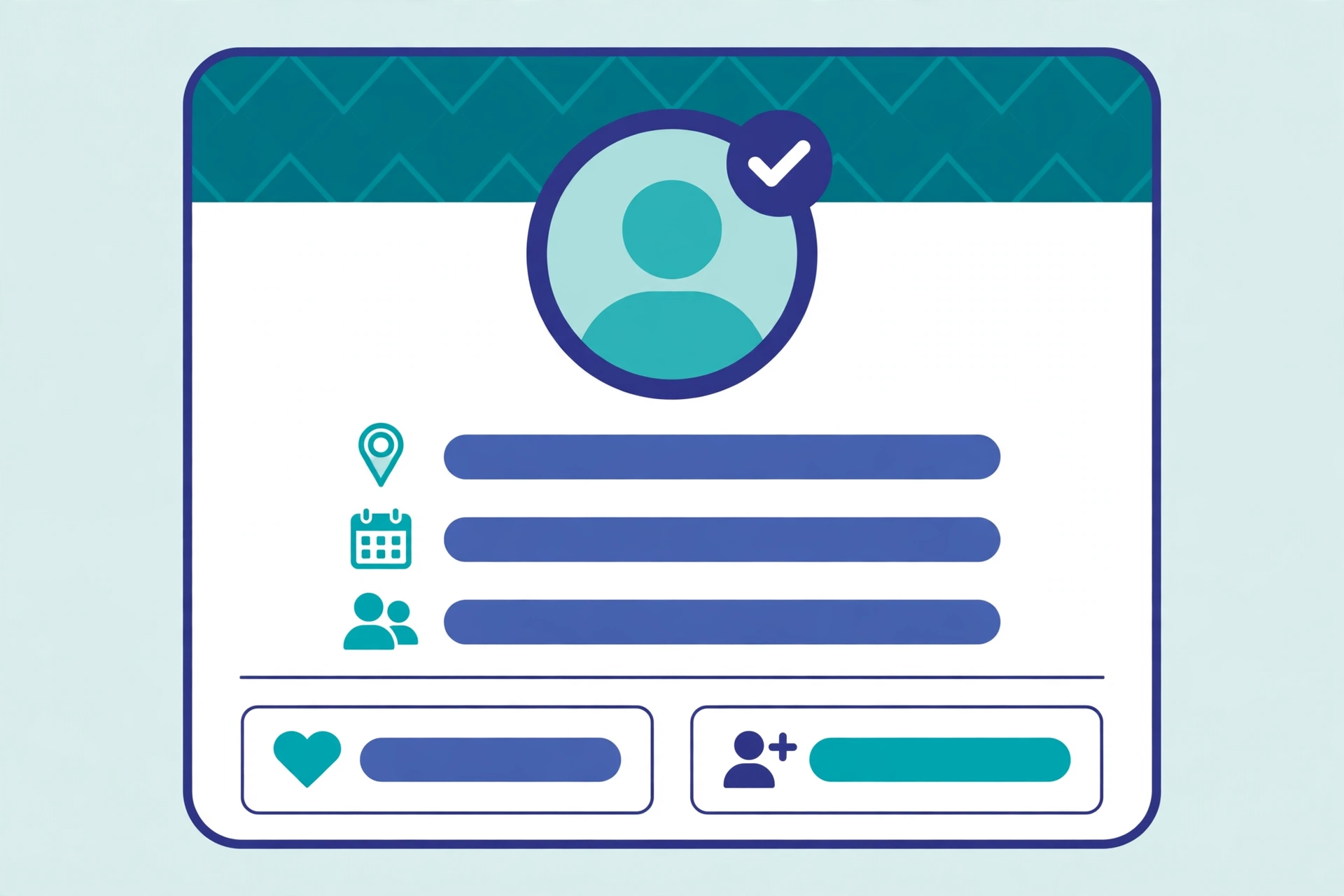
Before anyone hires you, buys from you, or replies to your message, they will probably look at your social media profile. Employers check LinkedIn and sometimes Instagram or X. Customers check the business behind the product. What they find in ten seconds shapes what they think of you. This guide explains how to keep your social media profile professional, with a checklist you can work through in about an hour.
Why Your Profile Matters More Than You Think
Your profile is often the first impression, and it is one you do not get to make in person. A clear photo, a bio that says what you do, and recent posts that look considered will do more for you than a long CV or a clever slogan. The opposite is also true: a blurry photo, an empty bio and a feed full of arguments will put people off before they ever read your work.
This applies whether you are job hunting, freelancing, or running a business. On a business profile it matters even more, because customers judge the business by the profile. Our guide on marketing through social media explains how profiles, content and advertising fit together.
The Profile Photo and Header
Start with the photo. Use a clear headshot where your face is easy to see, taken in good light, with a plain background. Avoid group photos, sunglasses, holiday pictures and cropped photos where someone else’s arm is still visible. The same photo on every platform helps people recognise you, which matters more than having a different photo everywhere.
The header or cover image is free space — use it. A simple banner with your role, your business, or a short line about what you offer is far better than the default grey background. Keep it clean and readable on a phone, because that is where most people will see it. Hootsuite’s guide to social media profiles has practical examples of photos and banners that work.
Your Bio: Short, Clear, Honest
A good bio answers three questions in two lines: who you are, what you do, and who it is for. “Freelance web designer for small restaurants” is better than “creative soul | coffee lover | dreamer”. The first tells a visitor whether you can help them. The second tells them nothing.
Add one link that matters — your website, your portfolio, or your booking page — and check it works. A broken link in a bio is a small thing that looks careless. Update the bio when your work changes. A bio that still describes a job you left two years ago quietly tells visitors you do not pay attention.
Be honest about what you do. Claiming skills you do not have will be found out quickly, and it is far worse than simply not listing them. If you are learning something new, say so — “learning SEO” is a perfectly professional thing to write.
Your Posts: The Part People Judge
Your posts are the part visitors scroll through, and they form an opinion fast. You do not need to post only about work, but the balance matters. A good rule is that a stranger should be able to tell what you do and what you care about within ten seconds of scrolling your feed.
Before posting, ask one question: would I be comfortable with a client or a future employer reading this? If the answer is no, do not post it, or post it somewhere private. Strong opinions, complaints about clients, and jokes that only make sense to your friends all look different to a stranger.
Check your old posts too. Most people have a few from years ago that no longer match who they are. Delete or hide the worst ones — the ones that are rude, inaccurate, or simply embarrassing. It takes twenty minutes and it is the highest-value part of this whole checklist. Our guide to the advantages of social media shows the other side: what a good profile can do for a person or a business.
Privacy Settings and Old Content
Professional does not mean public. You can keep personal accounts private and run a separate public profile for work. That is often the cleanest solution: friends and family on one account, clients and colleagues on the other. Just make sure the public one is complete and the private one is actually private.
Check your privacy settings once a year. Platforms change them, and a setting you chose years ago may not be what you think. In particular, check who can tag you in photos, who can see your friends list, and whether your posts are public by default. A photo someone else tags you in can appear on your profile, so set tag approval on where the platform allows it.
Also check what other sites say about you. Search your own name and look at the first page of results. If an old profile, forum post or directory listing shows up with wrong or outdated information, update it or ask for it to be removed. Indeed’s career advice on social media profiles explains what recruiters actually look for, which is a useful check even if you are not job hunting.
One Profile or Two?
If you use social media for both life and work, you have two honest options: keep one profile that is always professional, or run two. One profile is simpler and builds a bigger audience, but it means every post is public-facing. Two profiles give you freedom on the personal one, but both need maintaining, and a neglected business profile looks worse than none at all.
For most business owners, one well-kept public profile plus a private personal account is the right answer. For job seekers, one polished profile on the platform your industry uses most — usually LinkedIn — is enough to start. If you later run ads or campaigns, our guide to paid social media advertising covers how to promote a professional profile without wasting budget.
Frequently Asked Questions
What makes a social media profile look professional?
A clear photo, a bio that says what you do and who it is for, a working link, and recent posts that look considered. The whole thing should take a stranger ten seconds to understand.
Should I keep my personal and work profiles separate?
It is usually cleaner to keep them separate: a public profile for work and a private one for friends and family. If you run one profile, keep every post suitable for a client or employer to read.
How often should I update my profile?
Update the bio and photo whenever your work changes, and review your posts and privacy settings at least once a year. A profile that is two years out of date looks neglected.
Do employers really check social media?
Yes. Most recruiters look at LinkedIn, and many check other platforms too. They are usually looking for red flags and for evidence that you are who your CV says you are.
What should I delete from my profile?
Delete or hide posts that are rude, inaccurate, or embarrassing, photos you would not want a client to see, and any information that is out of date, such as an old job title or a dead link.
Leave a Reply